Your Cart
0SUBTOTAL:
$0
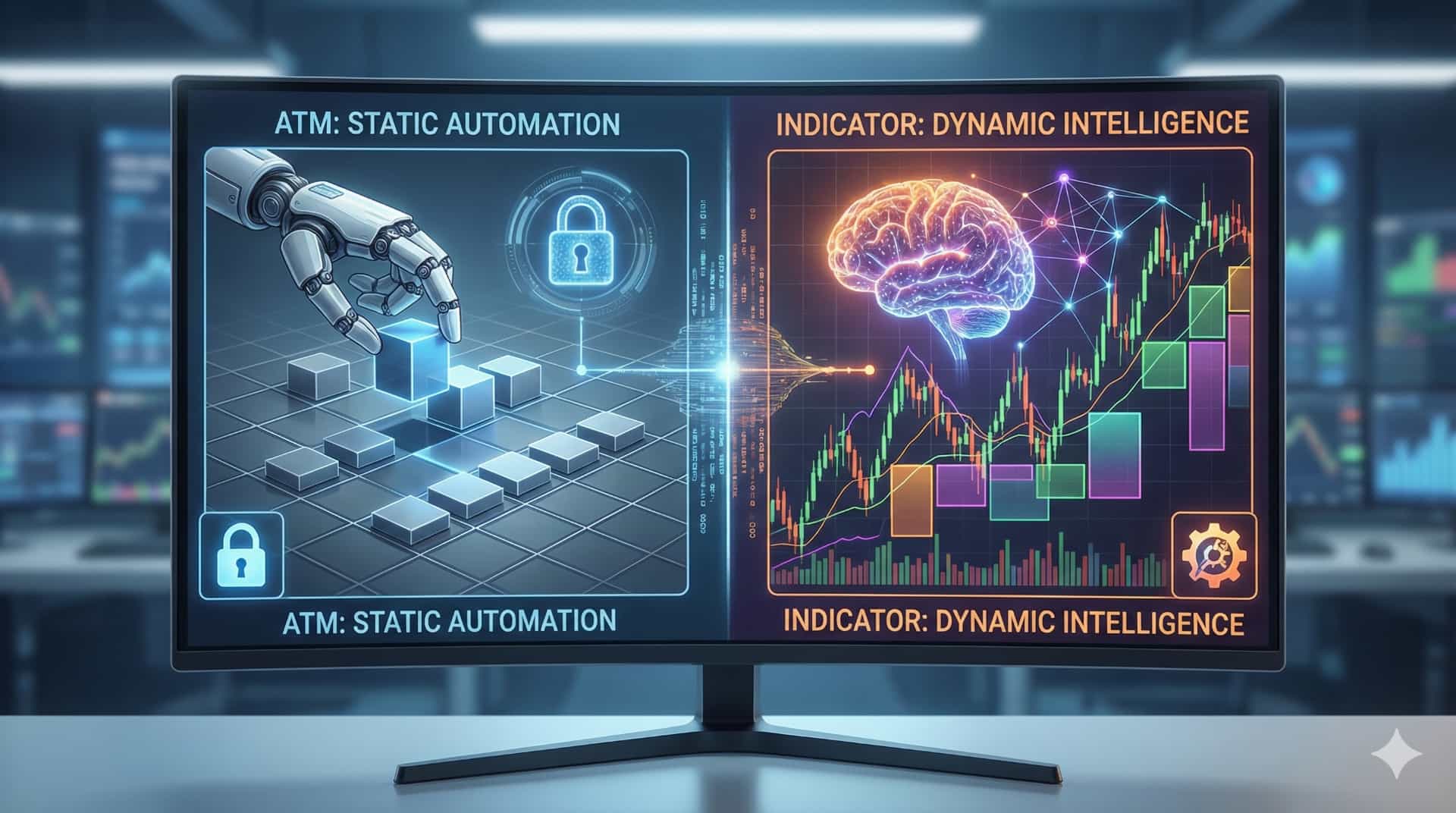
If you have been using NinjaTrader 8 for more than a few days, you have likely encountered the term "ATM Strategy."
For many retail traders, the ATM (Advanced Trade Management) feature is the main reason they chose NinjaTrader in the first place. The ability to automatically place a Stop Loss and Profit Target the millisecond you enter a trade is a game-changer compared to older platforms where you had to drag orders manually.
However, there is a dangerous misconception floating around the trading community. Many traders believe that having an ATM strategy means they have a Risk Management Plan.
They are wrong.
In this guide, we will break down the critical difference between ATM Strategies and Custom Indicators, why relying solely on an ATM can actually hurt your trading, and how to combine both for a professional-grade execution workflow.
Think of an ATM Strategy as your trade's Security Guard. Its job begins exactly at the moment you enter the market, and its job ends when you are flat.
When you set up an ATM, you are telling NinjaTrader:
This is incredibly powerful because it removes the emotion from the exit. You don't have to scramble to protect your account; the software does it for you.
While ATMs are great for execution speed, they are terrible at Context.
An ATM strategy is usually Static. If you tell it to use a 12-tick stop, it will use a 12-tick stop regardless of what the market is doing.
"The market does not care about your 12-tick stop. If the technical invalidation point (the swing low) is 18 ticks away, your ATM strategy will get you stopped out precisely before the market reverses and goes in your direction."
This is the limitation. An ATM cannot see the chart. It cannot see Support or Resistance. It is blind execution. To trade professionally, you need something that can "see" the market structure.
If the ATM is the muscle, the Custom Indicator is the brain.
While standard indicators (like RSI or MACD) tell you when to buy, a new class of Risk Management Indicators tells you how to buy.
Unlike an ATM strategy, a tool like our Risk Reward Pro is dynamic. It allows you to draw your stop loss based on the chart structure (e.g., below a pivot low or above a VWAP line).
This is the most critical difference:
You should not choose between an ATM and an Indicator. You should use them together. This is the workflow used by professional prop traders and scalpers to ensure maximum speed with maximum safety.
You identify a long setup. instead of guessing a random stop loss, you use your Risk Indicator to draw a line exactly below the recent swing low. The indicator calculates that based on this stop, you should buy 3 Contracts to stay within your $250 risk limit.
You click "Buy." NinjaTrader executes 3 contracts. Instantly, your ATM Strategy kicks in. It places the hard Stop Loss exactly where you planned, and it places your Profit Targets at your desired ratios.
As the trade moves in your favor, the ATM strategy's "Auto-Trail" feature kicks in, moving your stop to breakeven to lock in a free trade.
If you rely only on Indicators, you might be too slow to manage the exit. If you rely only on ATMs, you are trading with arbitrary stops that the market will hunt.
By integrating a Position Sizing Indicator with NinjaTrader's native ATM features, you solve the two biggest problems in day trading:
NinjaTrader 8 is a Ferrari engine. Don't drive it like a golf cart.
Stop using static ATM strategies that don't respect market volatility. Upgrade your workstation with indicators that can talk to your order entry system, giving you the precision of a quant and the speed of a scalper.
Don't just manage the trade; manage the risk.
Find the right tools to bridge the gap.
Explore our suite of intelligent NinjaTrader Indicators here.